Ms BorgwardtClassroom shelf

Departures

Choose your subject.

Welcome to my page! I made it for you: all my projects for our lessons are here in one place, sorted by subject. You only need to remember one link, and it is this one. Save it as a bookmark. Then every project is always ready for you, and all the links are up to date.

Click your subject below. I look forward to seeing you in class!

Economics

1 project

Ohm City

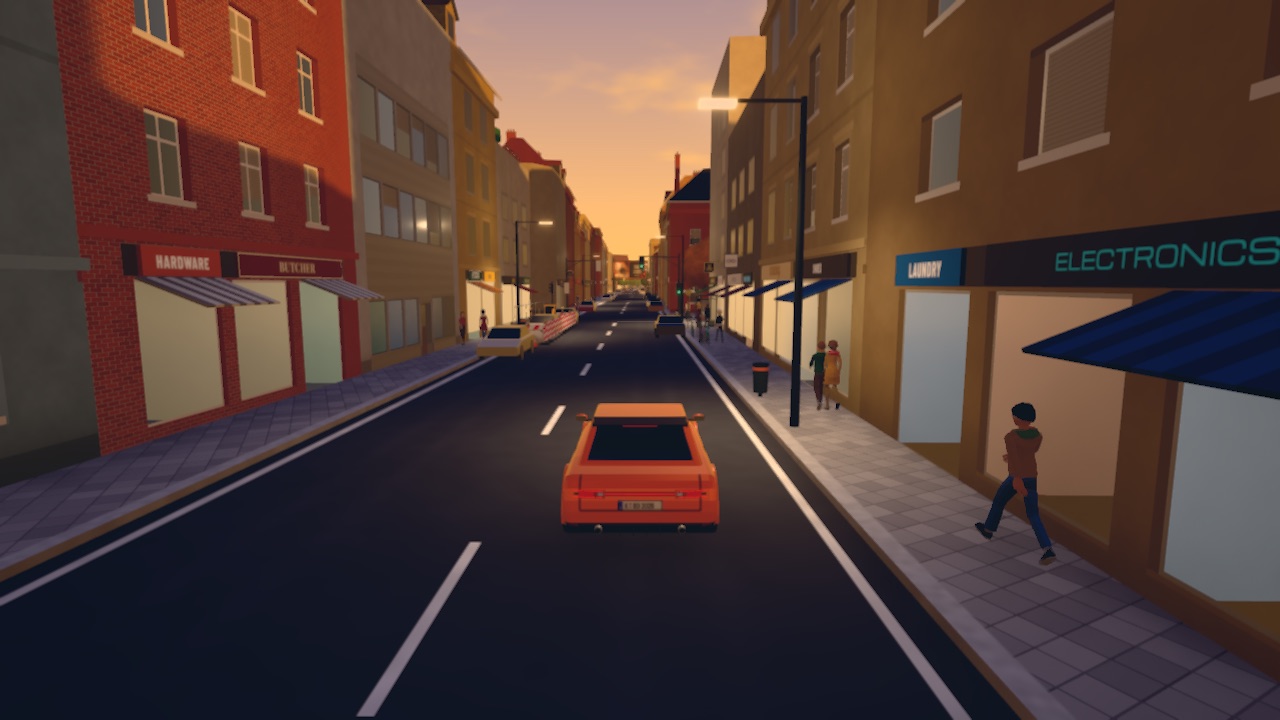
A city in your browser for your economics lessons. You walk the streets, visit three companies and play missions. Everything is in English.

You need 3 things

  • Class passwordon the board
  • Class codeon the board
  • Your player codeif you played before

How to get in

  1. Open ohmcity.org.
  2. Type the class password. It is on the board in our lesson.
  3. Click JOIN MY CLASS and type the class code from the board. Ohm City gives you a player code: one word and two numbers. Write it in your notebook. The code keeps your progress.
English

2 projects

Debate Dojo

Here you learn to debate, one skill at a time. Each belt comes with a booklet, and you train together in your group.

You need 2 things

  • Your belt bookletfrom the Dojo
  • 1 to 3 peoplefor your group

How to get in

  1. Open the Dojo at debate-dojo.vercel.app. Press the red button and choose your belt.
  2. Download the booklet for your belt and work through it.
  3. For group training, open Train with the Sensei. One person starts the group and gets a code, for example MOON 21. The others join with this code.

AI Lab

How does a machine write? Each lesson is one experiment: first you guess how a language model works, then you test it.

You need 2 things

  • A computer with a browser
  • The same computer next timeyour answers stay there

How to get in

  1. Open lab.borgwardt.me.
  2. Click Enter the course. Then click Take a seat to open the experiment.
  3. Work through the steps. Your answers stay in this browser, so come back to the same computer next time.

Need help?

Information

Class codes are on the board.

Each project tells you which code you need. Keep your player code to yourself. It opens your progress.

Save your booklets.

Download them and save them in your own folder. You can open them again any time.

Something won't open?

Write to me at class@borgwardt.me. Tell me which project and which step, and I will sort it out.